🎥 Honest Review — Updated July 2026
Clipwise AI Review 2026 —
Make YouTube Videos in Minutes?
Clipwise promises to turn your text into a complete YouTube video — voiceover, visuals, captions and music — in minutes. We tested it thoroughly. Here is the honest verdict for creators, KDP authors and business owners in 2026.
Try Clipwise AI Free →Disclosure: This article contains affiliate links. We earn a commission if you sign up — at no extra cost to you. All opinions are genuinely our own after testing.
Clipwise AI is one of the most ambitious AI video creation tools to emerge in 2026 — and after weeks of testing, the results are genuinely impressive for specific use cases, particularly faceless YouTube channels, emotional story content and short-form video production.
The promise is straightforward: paste your script, choose your style (AI host, cartoon, Reddit-style, Ghibli animation, documentary and more), click generate, and Clipwise produces a complete video with AI voiceover, visuals, background music and animated captions automatically. No editing software needed. No camera required. No technical skills necessary.
For creators who have been hesitant to start a YouTube channel because of the time and technical barrier of video editing, Clipwise represents a genuinely meaningful reduction in that barrier. But it is not perfect for every use case — and this review will tell you exactly where it excels and where you are better served by alternatives.
📚 Related Articles on 4BestBuy
⚡ Quick Verdict — Clipwise AI 2026
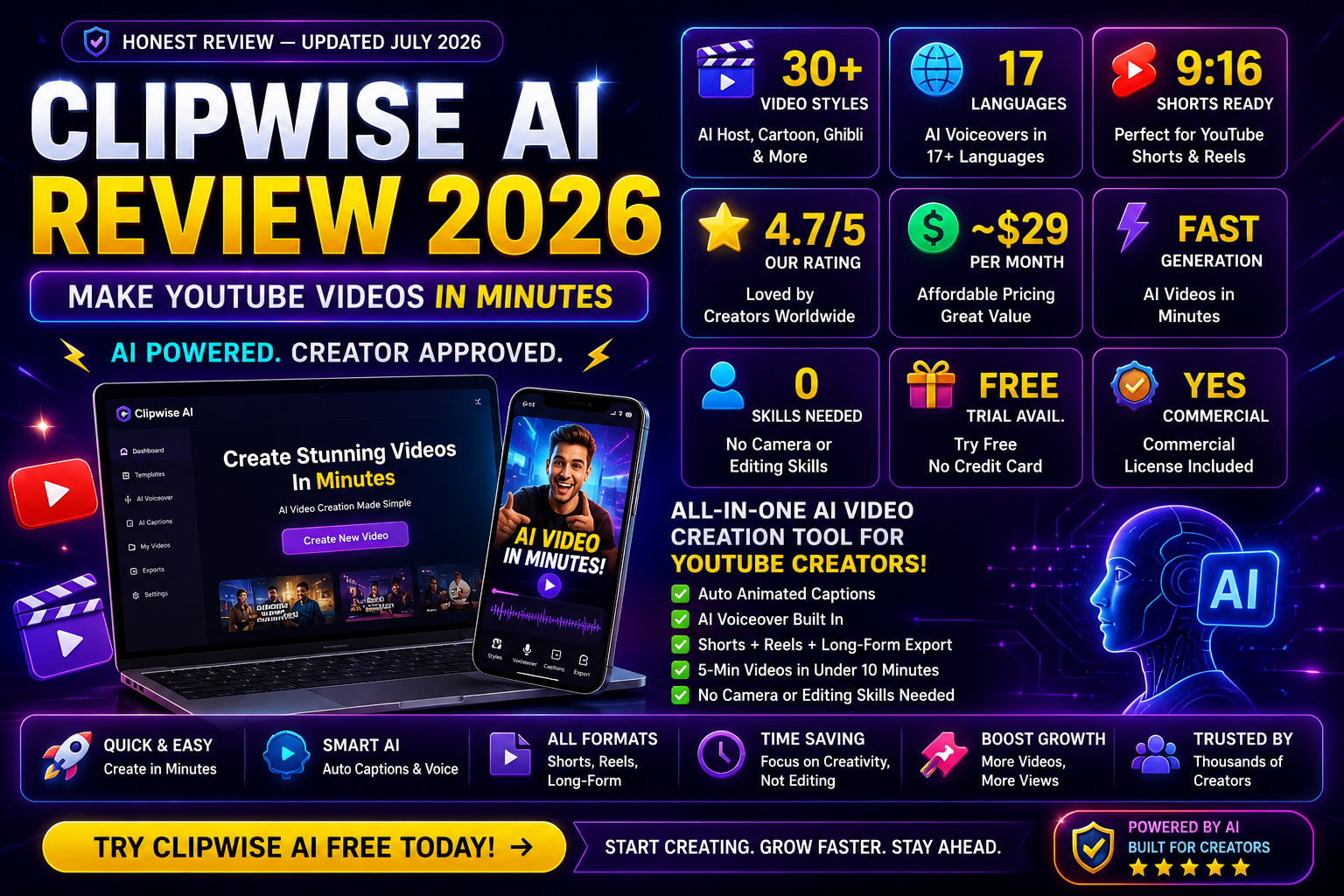
Clipwise is the best AI video generation tool for faceless YouTube channels, emotional storytelling content and short-form video production in 2026. The output quality is genuinely publishable — not a rough draft requiring heavy editing. Best for creators who want to post consistently without spending hours on production. Rating: 4.7/5.
What Is Clipwise AI and How Does It Work?
Clipwise is an AI-powered video creation platform that generates complete, publish-ready videos from text scripts. You do not need a camera, microphone, editing software or any technical video production skills. The entire pipeline — script to finished video — happens automatically inside the Clipwise dashboard.
The workflow has four steps. First, you paste your script or let Clipwise generate one from a topic prompt. Second, you select your video style — the platform offers over 30 distinct visual styles including realistic AI host presentation, cartoon animation, Reddit-style text-on-background, Studio Ghibli-inspired animation, documentary footage style, and more. Third, you choose your voiceover (Clipwise includes 17-language AI voice support). Fourth, you click generate — and within minutes the video is ready to download and upload directly to YouTube, Instagram or TikTok.
What makes Clipwise stand out from basic text-to-video tools is the coherence of the output — the visuals match the script content rather than showing random stock footage, the voiceover timing is natural, the captions are styled and animated, and the background music is selected automatically based on the content mood.
Key Features — What You Actually Get with Clipwise

📚 The 1% Mindset by Praveen Adurty
The most successful YouTubers and content creators are not the ones who work the most hours — they are the ones who work on the right things. Clipwise handles video production. The 1% Mindset shows you how to think about everything else — strategy, consistency and the compounding habit of daily improvement.
Get The 1% Mindset on Amazon →Video Quality — Honest Assessment After Testing
Video quality is the most important factor and the one most AI video tools oversell. After testing Clipwise across multiple styles and script types, the quality is genuinely good for faceless content — and significantly better than most competitors at the same price point.
Emotional story content — excellent
For channels like @KindSoulStories4u — emotional, heartwarming stories about kindness, animals and human connection — Clipwise’s documentary and cartoon styles produce output that is genuinely moving and watch-worthy. The AI matches visuals to emotional keywords in the script with surprising accuracy, and the voiceover timing supports the emotional beats of the story rather than fighting them.
Product review and educational content — very good
For @4bestbuyusa product content and educational explainers, the AI host and documentary styles work well. The limitation here is that Clipwise cannot show actual product footage — it generates representative visuals rather than filming the product. For this reason, product review channels may still want to supplement with actual product images sourced manually.
Short-form content — outstanding
Clipwise’s strongest output is for YouTube Shorts and Instagram Reels. The 9:16 format, animated captions, hook engineering and short-form pacing all feel native to the platform. For creators posting 5-7 Shorts per week, Clipwise can realistically handle the entire production pipeline without any additional tools.
Clipwise Pricing 2026 — Is It Worth the Cost?
- Test all video styles
- Limited exports
- Watermark on output
- All core features accessible
- Unlimited video creation
- All 30+ styles
- No watermark
- Multi-format export
- Priority generation
- Commercial rights
- Everything in Creator
- Team collaboration
- Brand kit integration
- API access
- Priority support
💡 Value calculation for creators
If Clipwise saves you 3 hours of editing per video and you post 5 videos/week, that is 15 hours/week saved. At even $10/hour value of your time, Clipwise saves $150/week — making the $29/month subscription pay back in the first 6 days of each month. The ROI is extremely clear for consistent creators.
Best Use Cases for Clipwise in 2026
📸 Follow for Daily Creator Tips!
We share AI tool reviews, YouTube growth strategies and book recommendations daily. Follow us for the latest!
Pros and Cons — The Full Honest Picture
✅ What Clipwise does well
- Fastest text-to-video pipeline available
- 30+ genuinely distinct visual styles
- Excellent for faceless and story channels
- Native short-form output (Shorts/Reels)
- Animated captions built in automatically
- 17-language support with natural voices
- No editing skills required whatsoever
- Commercial rights on all paid plans
✗ Where Clipwise falls short
- Cannot show real product footage
- Limited customization of individual frames
- Occasional visual-script mismatches
- Free tier has watermark and limited exports
- Pricing not always transparent on site
- Not ideal for talking-head or interview formats
📚 More from 4BestBuy
Clipwise vs InVideo vs Pictory — Which Should You Choose?
Clipwise vs InVideo AI: InVideo AI has more customization options and works better for product review and talking-head formats. Clipwise is faster, produces more stylistically distinctive output, and is easier for complete beginners. For emotional story channels and short-form content, Clipwise wins. For product review channels, InVideo AI has an edge on customization.
Clipwise vs Pictory: Pictory specializes in repurposing existing long-form content into Shorts — it is not a creation tool in the same sense. If you already have long videos and want to clip them automatically, Pictory is better. If you are starting from a text script, Clipwise is the clear choice.
Our recommendation: For the creator workflow we describe throughout 4BestBuy — emotional story channels, finance-for-kids content, product roundups and KDP book promotions — Clipwise is the right tool. Start with the free trial, test one video in your target style, and subscribe if the output meets your quality bar.
Frequently Asked Questions — Clipwise AI 2026
Start Creating Videos in Minutes
Try Clipwise free — no camera, no editing software, no technical skills required. Paste your script and have a publish-ready video in minutes.
Try Clipwise AI Free Today →